Install today. Updates forever.
Simply choose an edition!
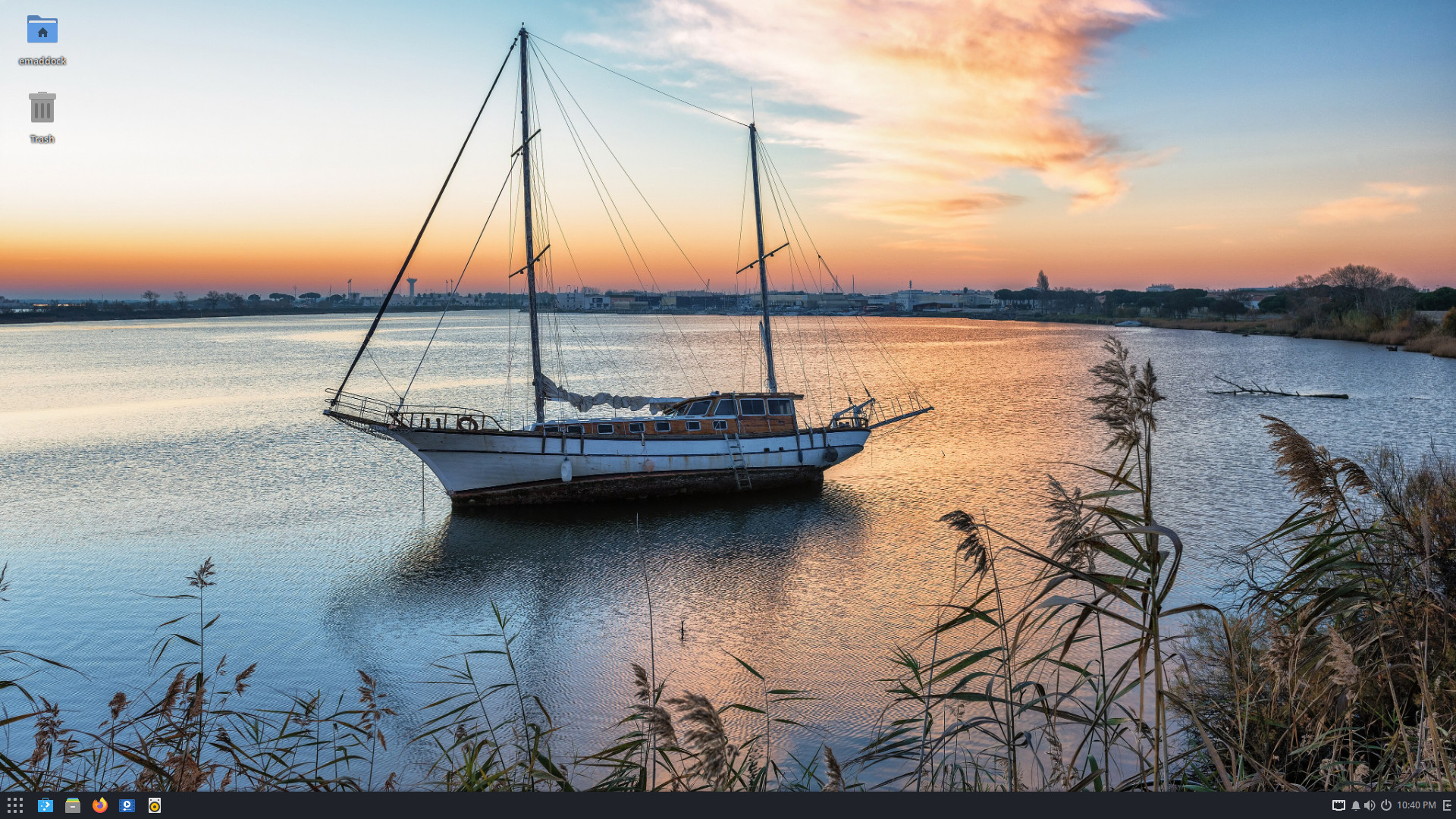
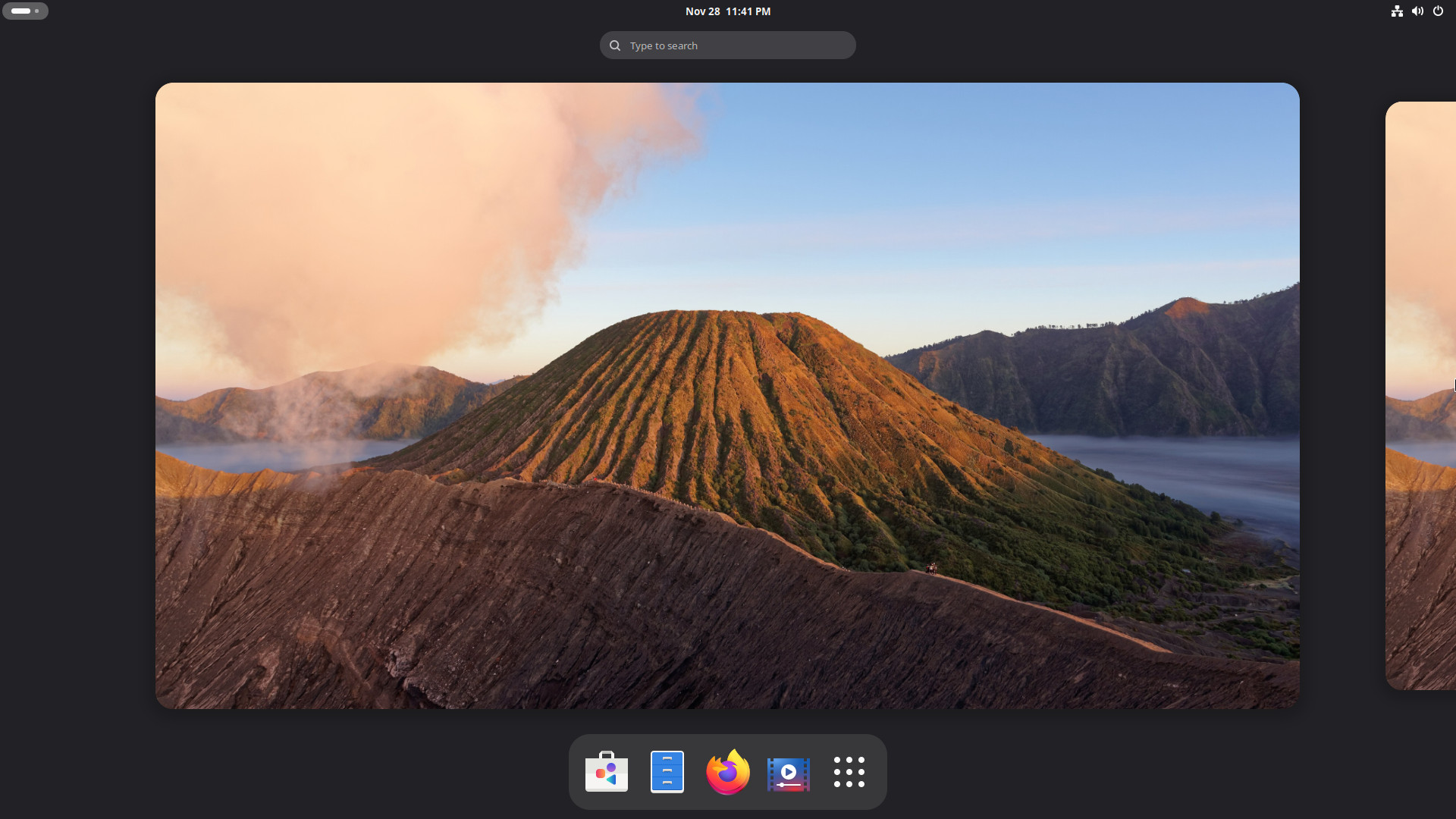
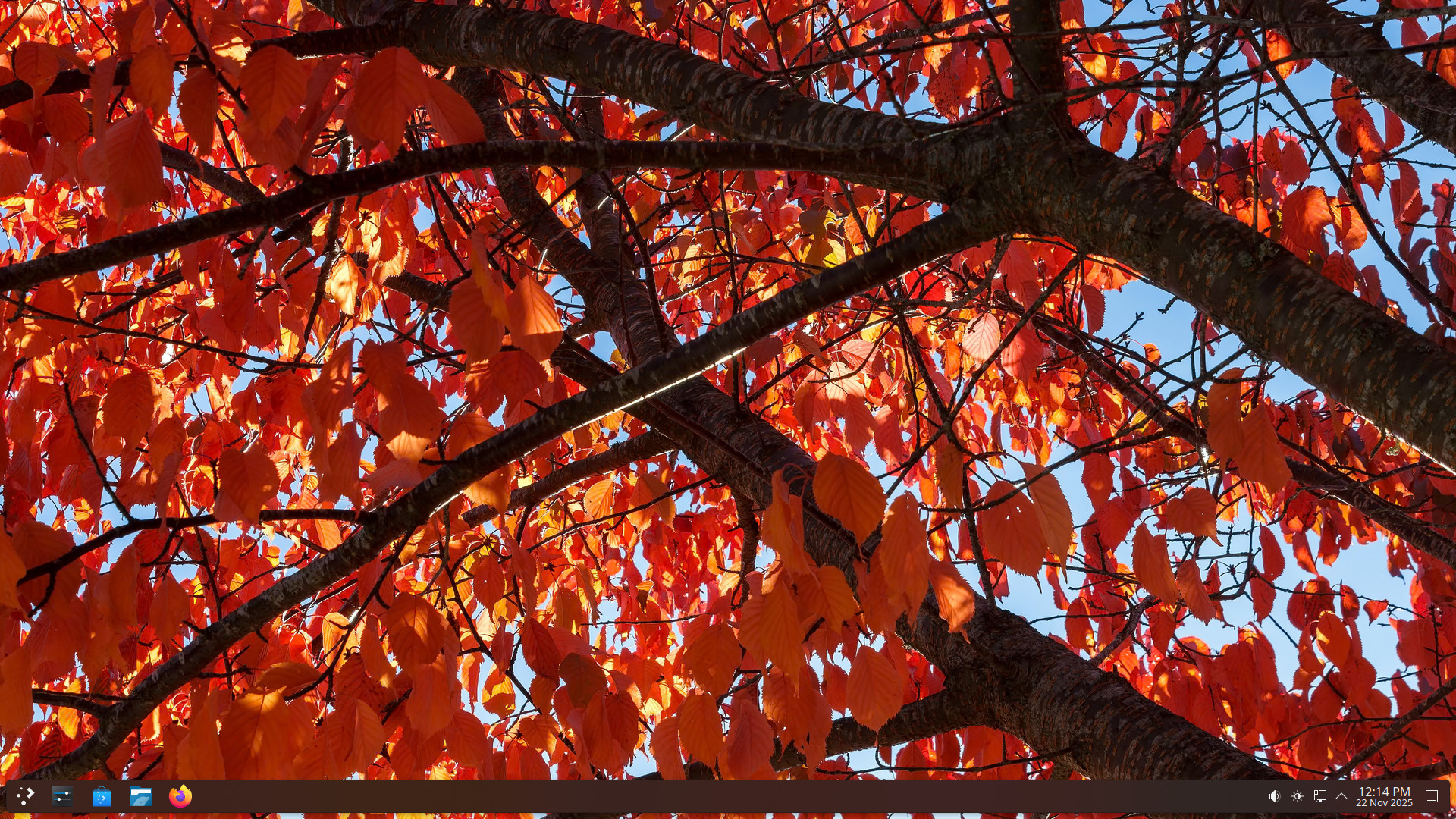
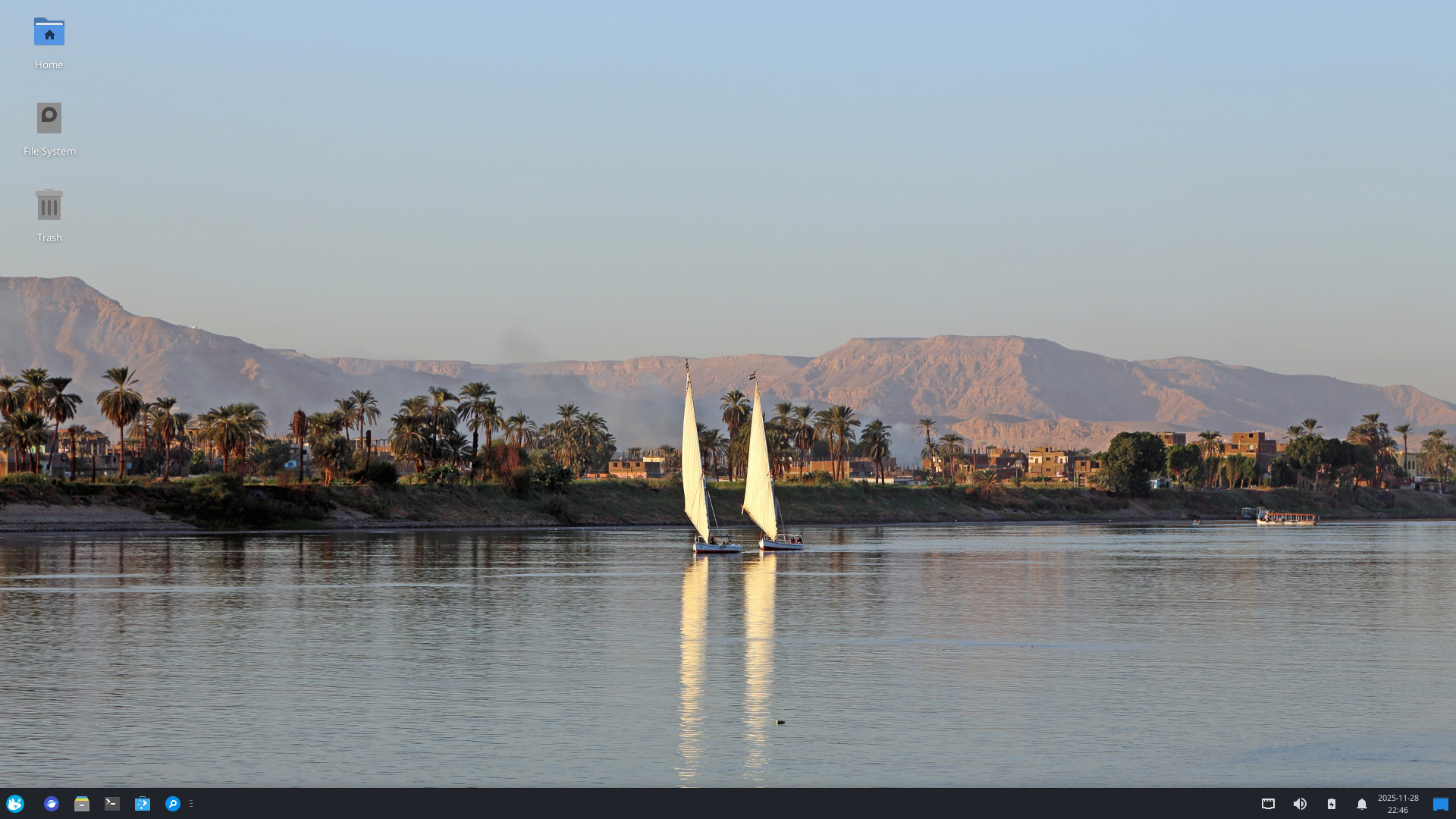
Installation
For information on how to install Solus, read through our installation documentation on our Help Center. If you need assistance, or have any questions, please reach out to us on Matrix or our forum , where you can get help from us, and our amazing community.
System Requirements
In order to install Solus, your system must meet the minimum system requirements. Ideally it should meet or exceed the recommended values for a better experience. More information about system requirements can be found on our Help Center .
| Minimum | Recommended | |
|---|---|---|
| Disk space free | 10 GB / 9.3 GiB | 25 GB / 23.3 GiB |
| Memory (RAM) | 4 GB | 8 GB |
| Processor (CPU) | 64-bit (x86-64) processor | x86-64-v2 2 GHz quad core |
| Graphics (GPU) | Any onboard or dedicated adapter | Any onboard or dedicated adapter |
| System firmware | BIOS / UEFI | UEFI |
Verification
It is important to verify the ISO image file you downloaded. Ensuring that the image hash matches, and that the signature can be decoded with our public key, lets you know that the file is not corrupted or tampered with in transit. Performing the verification is quick and easy, and gives you some extra assurance about your download. It also helps those giving support for installation issues by ruling out a failed or corrupted download.